Note
Access to this page requires authorization. You can try signing in or changing directories.
Access to this page requires authorization. You can try changing directories.
Question
Tuesday, October 1, 2019 10:52 AM
Hi ,
I am creating a pipeline with copy activity. My source is Azure blob (CSV) sink is Parquet file on azure blob. The file size in 800 MB. while running hte pipeline i am receiving below error.
Activity Copy data1 failed: Failure happened on 'Sink' side. ErrorCode=UserErrorFailedFileOperation,'Type=Microsoft.DataTransfer.Common.Shared.HybridDeliveryException,Message=Upload file failed at path parquet\Consumer_Complaints.parquet.,Source=Microsoft.DataTransfer.Common,''Type=Microsoft.DataTransfer.Common.Shared.HybridDeliveryException,Message=An error occurred when invoking java, message: java.lang.OutOfMemoryError:Direct buffer memory
I am not sure why the memory is a problem when all the operations are happening over cloud.
Appreciate you help to identify the issue.
TIA
Rahul
All replies (6)
Thursday, October 3, 2019 2:09 AM ✅Answered
Use dataflow for performance and scale for handling parquet data
Wednesday, October 2, 2019 1:04 AM
Hello Rahul,
First thing , since its s copy activity , please add a retry and see if thats solve the issue in the next retry.
Just curious if you are using self hosted IR , we have seen this issue when users are on SHIR .
Thanks Himanshu
Thursday, October 3, 2019 1:51 AM
Hello Rahul,
If you are using a Self Hosted Integration Runtime:
Please follow below steps to increase the heap memory for self-hosted IR machine and do restart IR to apply the changes.
For selfhosted IR:
- First check the total RAM of the IR host machine. Please make sure total RAM is >= 8GB
- Add the following environment variable in the machine that hosts the self hosted IR:
_JAVA_OPTIONS "-Xms256m -Xmx16g" (Note: This is only a sample value. You can determine the min/max heap size by yourself).
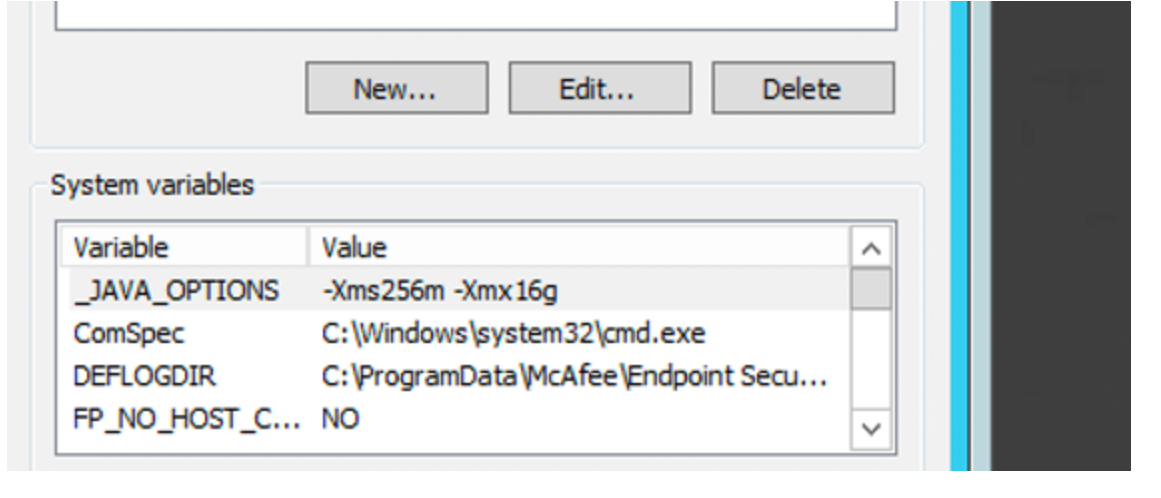
- Then restart the IR.
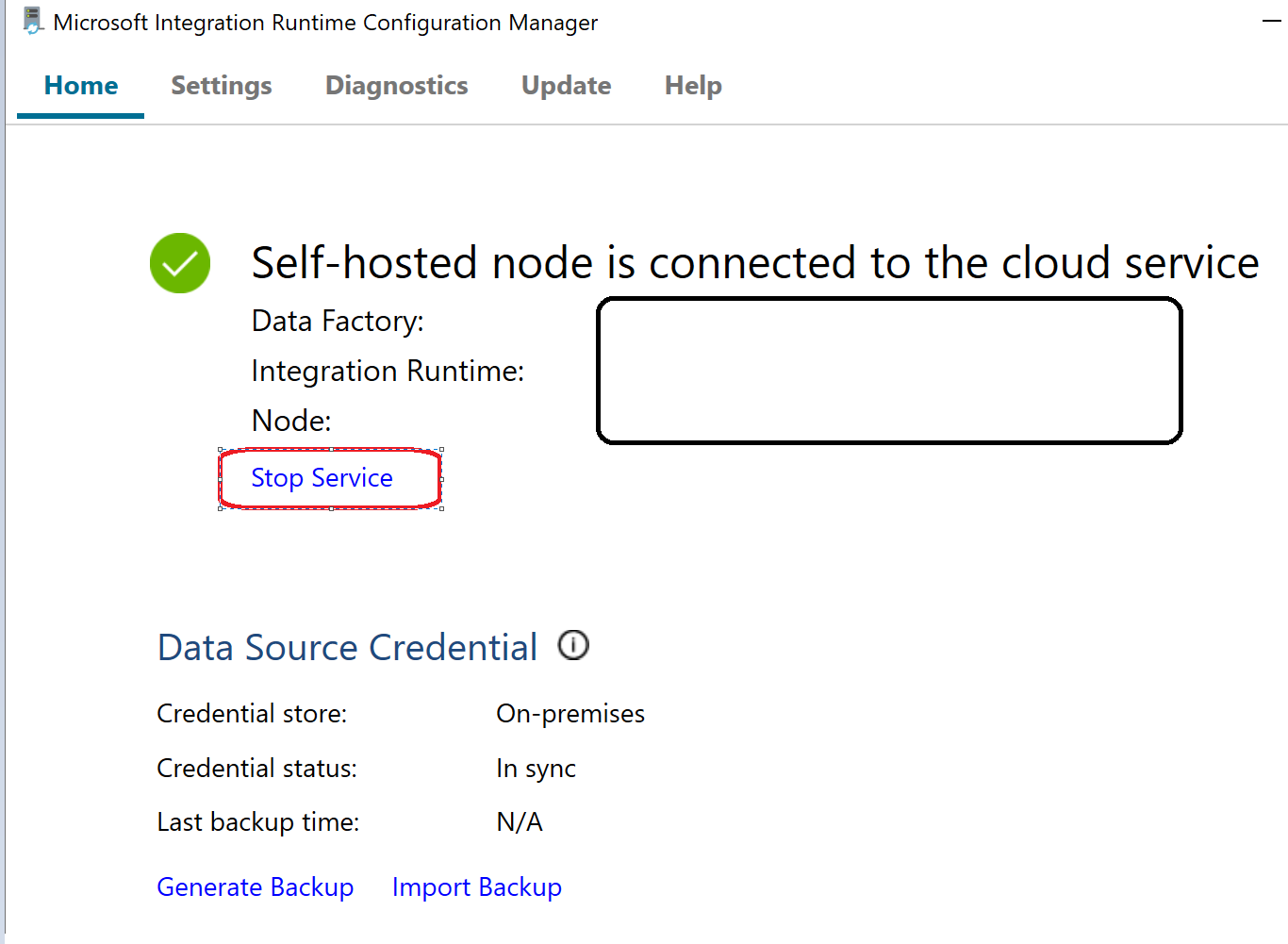
Also please do not set too many nodes on this machine if the parquet/orc work is heavy.
You may change this value in ADF portal -> Connections -> Integration Runtimes -> Edit -> Nodes
Thanks Himanshu
Friday, October 4, 2019 9:18 AM
unfortunately, I am using DefaultIR in my linked services and it is failing with above error. Data factory being a cloud solution should be scaleble but seems it a naive in data transformation.
I used dataflow and it is working fine. only concern is it is in preview mode and i can't use this in production environment.
TIA
Rahul
Thanks
Friday, October 4, 2019 4:08 PM
Good to know that you have got a work around . Regarding the DF in preview mode , if all goes as planned it will be in GA very soon .
Thanks Himanshu
Monday, October 7, 2019 6:49 PM
I used dataflow and it is working fine. only concern is it is in preview mode and i can't use this in production environment.
Data Flow feature in ADF is generally available now.
See:
https://azure.microsoft.com/en-us/updates/azure-data-factory-mapping-data-flows-ga/
Regards,
Vaibhav