Hi, I'm using the latest Windows version. I'm using the volume adjusting dials on my keyboard to change the volume, and it was easy for me to see and adjust the volume because the window that popups when you adjust the voluemwas at bottom. But on recent update, it got worse. My desktop is very wide, and it's super annoying that I need to look up every time to see how loud my volume is. It don't show that window at right above the taskbar, it shows way above, as you can see from screenshot.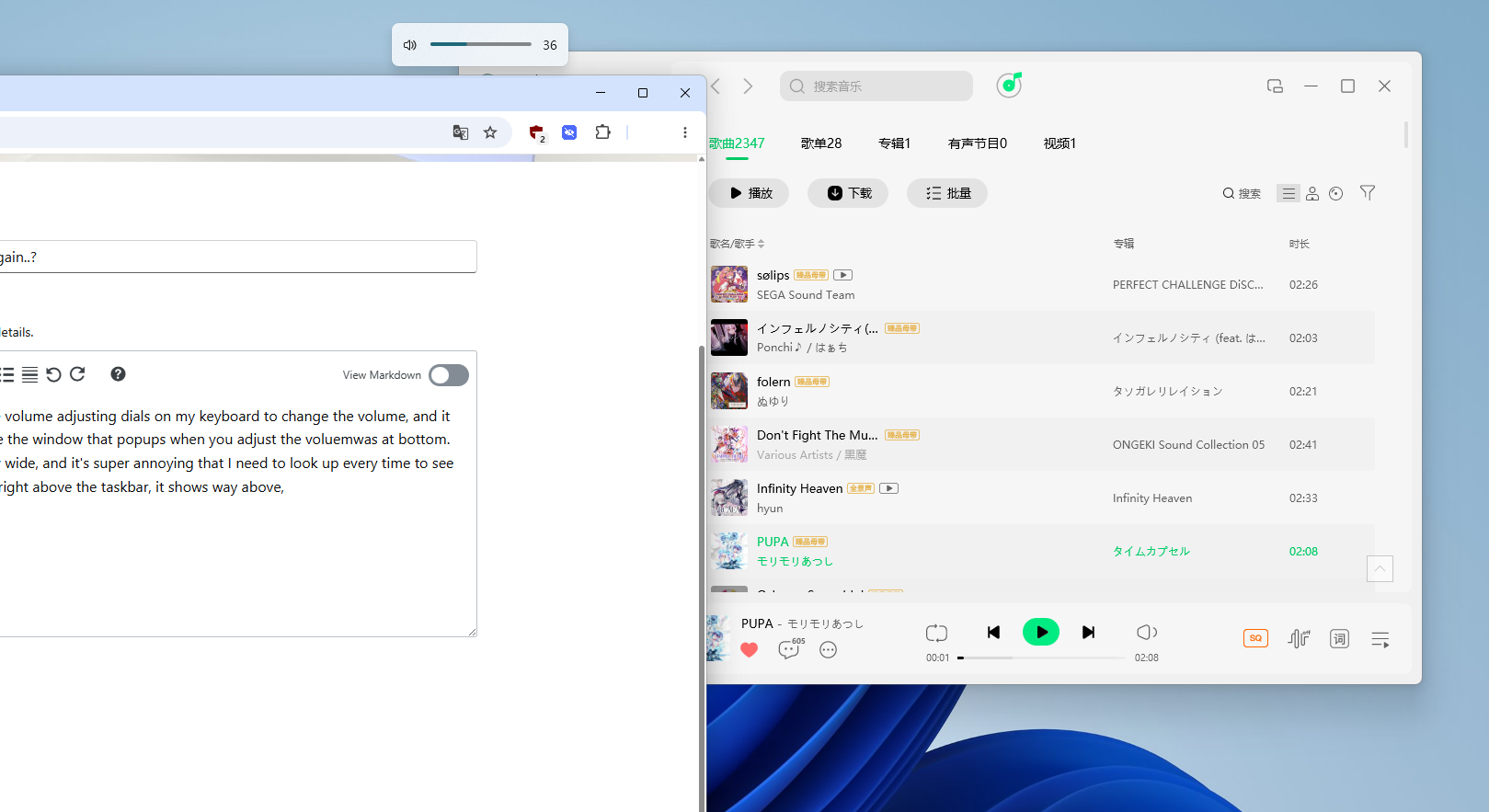
As I've mentioned above, it's super annoying to look up just for changing the volume. Is there any way to make those thing go down to the taskbar just like previous version of the Windows 11? Hope this could be at least adjustable, or I'll just consider to switch to mac....
' cx='32' cy='32' r='32' /%3E%3Ctext x='50%25' y='55%25' dominant-baseline='middle' text-anchor='middle' fill='%23FFF' %3EM%3C/text%3E%3C/svg%3E)

