Hello Mohamed Safwat Elemam,
I see that you're having "Parent or guardian consent is required for this account" message.This message appears when Microsoft thinks the account is under 18, even if you are actually an adult. Once triggered, you cannot fix it by signing in normally.
I suggest you do adult verification link (works even when you can’t sign in). Open: https://support.microsoft.com/en-us/family-safety/managing-parental-consent
click Start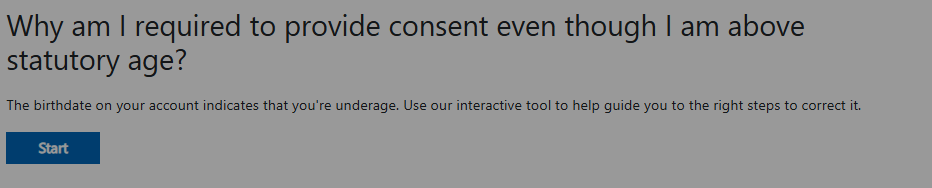
Or try these steps:
- Open this page in a browser (PC or phone): https://account.microsoft.com/family
- Sign in using the same email (even if it stops you afterward).
- When prompted, choose Verify age.
- Complete credit card verification (no charge).
- After verification, sign out completely.
- Wait ~10 minutes, then sign in again.
This immediately removes the consent lock.
Important: This is the only automatic unblock when DOB is wrong.
I hope this will help with your situation. Please feel free to reach back if you have further update or more questions.
Best Regards,
If the answer is helpful, please click "Accept Answer" and kindly upvote it. If you have extra questions about this answer, please click "Comment”.
Note: Please follow the steps in our documentation to enable e-mail notifications if you want to receive the related email notification for this thread
' cx='32' cy='32' r='32' /%3E%3Ctext x='50%25' y='55%25' dominant-baseline='middle' text-anchor='middle' fill='%23FFF' %3EMS%3C/text%3E%3C/svg%3E)

' cx='32' cy='32' r='32' /%3E%3Ctext x='50%25' y='55%25' dominant-baseline='middle' text-anchor='middle' fill='%23FFF' %3EKN%3C/text%3E%3C/svg%3E)