Note
Access to this page requires authorization. You can try signing in or changing directories.
Access to this page requires authorization. You can try changing directories.
You can use eDiscovery to surface Viva Engage content from within the Microsoft Purview portal.
Query Viva Engage content
See the instructions on how to run eDiscovery queries on your Microsoft content on Microsoft Purview. While the portal doesn’t discuss Viva Engage, this process surfaces Viva Engage content. To narrow your eDiscovery search results to include only Viva Engage content, follow these steps:
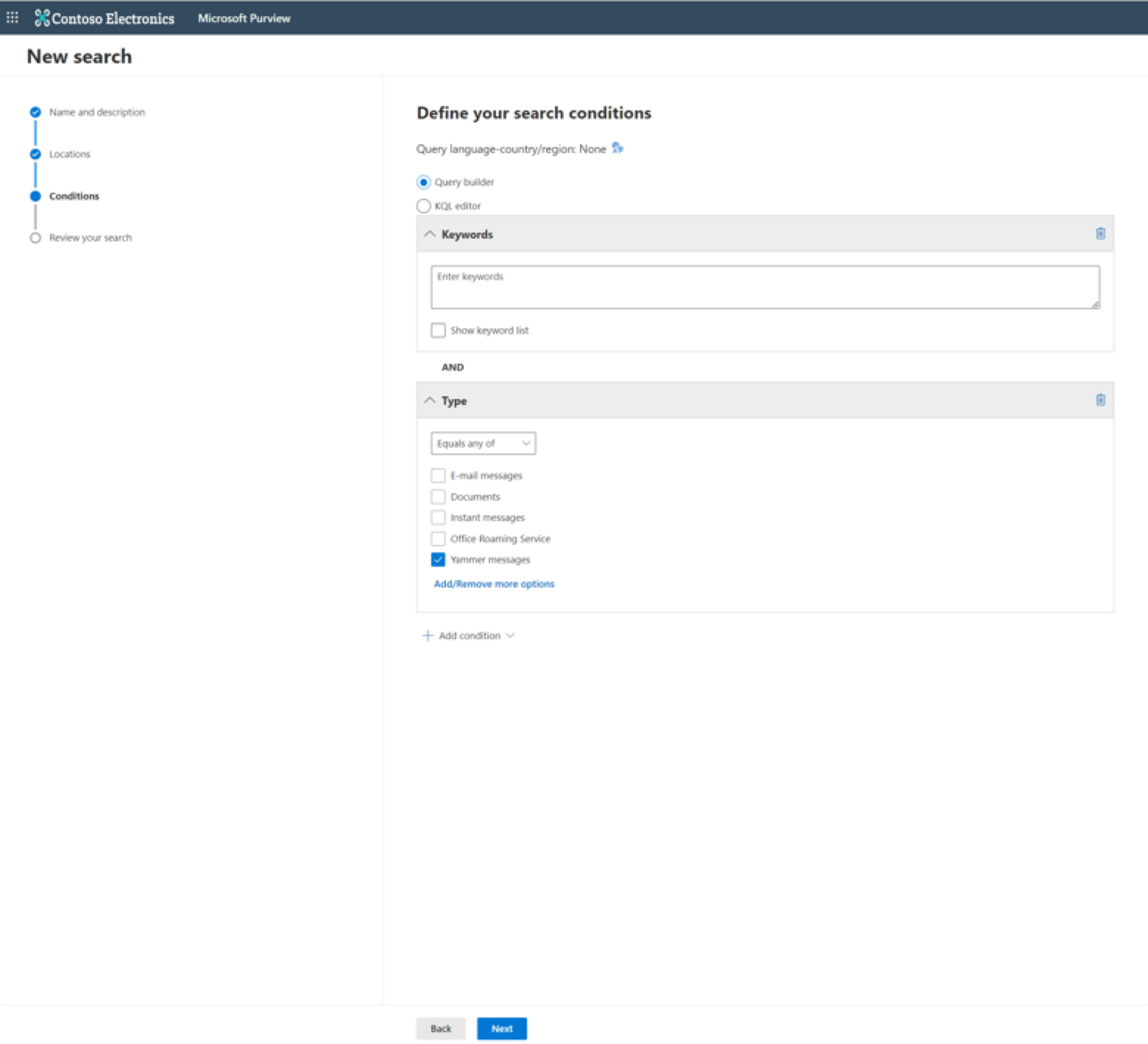
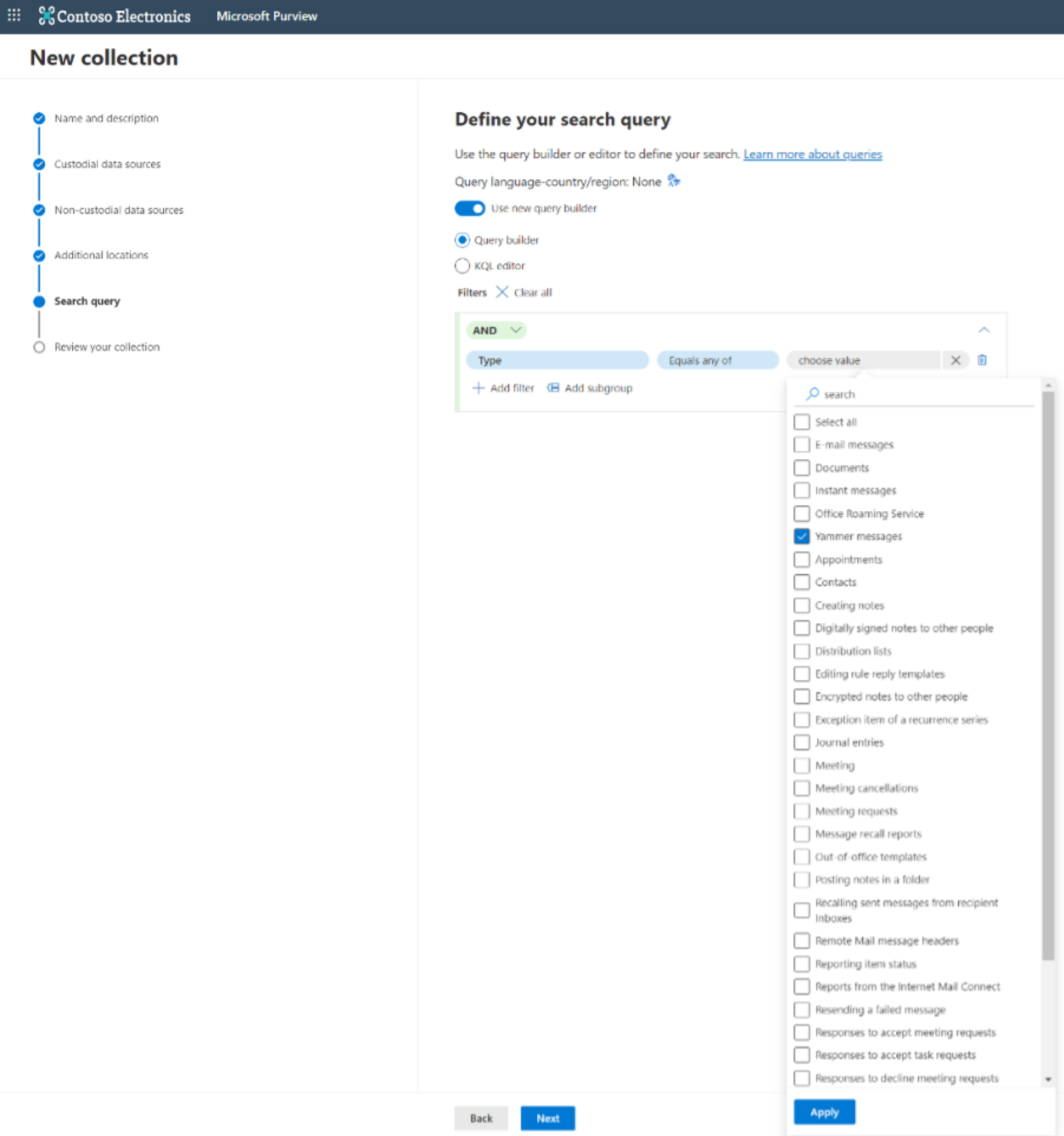
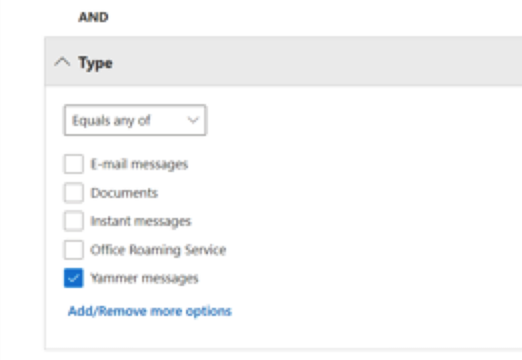
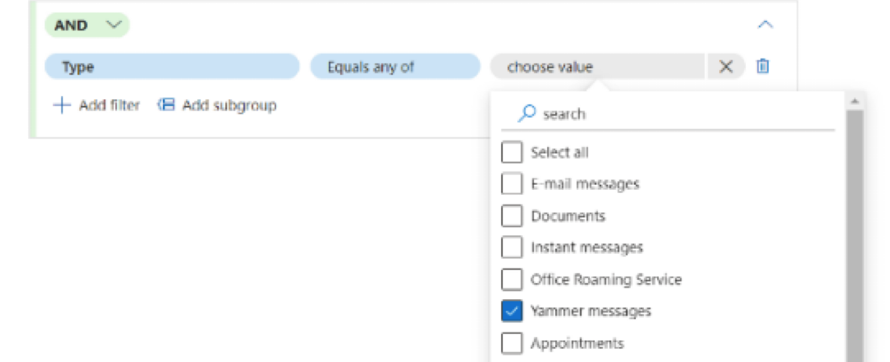
- In your eDiscovery query, add a Type filter.
- Depending on your version of eDiscovery, do one of the following tasks:
In eDiscovery (Standard), from the drop-down menu, select Equals any of, and then select the checkbox for Yammer Messages.
In eDiscovery (Premium), select Equals any of, select choose value, search on Yammer and select the checkbox next to Yammer messages.
Viva Engage data points
After you run your query, your search results include these key data points:
- Message Body
- Author
- Recipients
- Links
- Attachments
- Mentions
- Timestamp
- Reactions